- TIPS & TRICKS/
- Copilot Prompts Cheat Sheet: 34 Prompts for Outlook, Word, Excel, PowerPoint and Teams/
- TIPS & TRICKS/
- Copilot Prompts Cheat Sheet: 34 Prompts for Outlook, Word, Excel, PowerPoint and Teams/
Copilot Prompts Cheat Sheet: 34 Prompts for Outlook, Word, Excel, PowerPoint and Teams
Every prompt below follows the same shape: say what you want, who it is for, where Copilot should look, and what the answer should look like. The prompts are written for Microsoft 365 Copilot in the desktop and web apps, with a licence that includes your work data. Swap the names, files and numbers for your own. Each one has a one-line note on what to change and the mistake that gets a vague or wrong result.
Download the printable PDFThe shape of a prompt that works
Draft a two-paragraph email to the finance team explaining why the Q3 report is a week late, using my notes below. Plain English, no apologies, end with the new date of 24 October.Before you answer, ask me any questions you need to get this right.Outlook
Summarise this thread. List what has been agreed, what is still open, and who owes the next reply.Draft a reply that accepts the Tuesday 2pm slot, asks for the agenda by Friday, and is under 80 words.Rewrite this in a more direct tone for a senior stakeholder. Keep every fact and date, cut the hedging.Which emails from the last seven days are waiting on a reply from me?Write a short email to the team announcing the office move to 4 Park Row on 3 November. Two sentences, friendly, no exclamation marks.Word
Draft a one-page project update from the notes below: one status line, three risks each with an owner, and next steps as a numbered list.Summarise this document in five bullet points for someone who has not read it and has two minutes.Turn the paragraph under the heading 'Pricing' into a table with the columns Plan, Monthly cost and What is included.Rewrite the 'Background' section at half the length without losing any numbers, names or dates.Suggest three alternative titles for this document, each under eight words, for an audience of HR managers.Reference /Q3-review.docx and write an executive summary of it, 150 words, for the board.Excel
Highlight the rows where Amount is more than 1,000 and Status is Open.Add a column that shows the number of days between Order date and Ship date.Show the total Amount by Region as a bar chart, largest first.What are the three biggest drivers of the drop in Amount between March and April?Add a column that groups Amount into Small under 100, Medium from 100 to 999, and Large at 1,000 and over.Sort by Region then by Amount, largest first, and filter to orders from 2026.PowerPoint
Create a presentation from /Q3-review.docx with one slide per heading and a summary slide at the end.Add a slide after slide 4 comparing the two options as a two-column table: cost, timeline, risk.Write speaker notes for this slide in a conversational tone, about 60 seconds of talking.Summarise this deck in five bullet points I can paste into an email to people who missed the session.Rewrite the text on this slide so it is three bullets of under ten words each.Teams meetings
Recap this meeting: decisions made, action items with an owner and a date for each, and anything left unresolved.What did Priya say about the launch date?I joined late. Catch me up in three bullets.Were there any points where people disagreed, and how was each resolved?Draft a message to the Project Horizon channel saying the go-live has moved to 17 November, two sentences, friendly.Copilot Chat across your work
What is new on the Horizon project since Monday? Check my email, Teams chats and files, and give me the five things that changed.Prepare me for my 2pm with Dan Hughes: our recent emails, the notes from our last meeting, and any open actions between us.Find the latest version of the training proposal for Acme and tell me who last edited it and when.Write my weekly update for my manager from the emails I sent and the meetings I attended this week. Headings: Done, In progress, Blocked.Show which document or message each point in your answer came from.Which course covers these
The prompt shape, Outlook, Word and PowerPoint are the half-day Copilot Essentials course. Copilot for Business adds Teams, Copilot Chat across your work data and the rollout questions a team leader has. The Excel prompts, and the ones that go further into formulas, charts and analysis, are Copilot for Excel.
Copilot EssentialsCopilot for BusinessCopilot for ExcelNext available dates
Copilot for Business
Live, instructor-led training with a real trainer. Book a seat on a scheduled date below, or get a quote for your team to run it privately.
3 Nov 2026
Tuesday · Virtual · 1 day
£475per person + VAT
2 Dec 2026
Wednesday · Virtual · 1 day
£475per person + VAT
25 Feb 2027
Thursday · Virtual · 1 day
£475per person + VAT
Other courses related to this article
- Microsoft CopilotCopilot EssentialsLearn how to unlock the full value of Microsoft 365 Copilot in Outlook, Word, and PowerPoint. This concise, hands-on course helps business users increase productivity and take advantage of AI features built directly into everyday work tools.0.5 Day · Classroom or on-site
- Microsoft CopilotCopilot for ExcelHarness the power of Microsoft Copilot in Excel to manage, analyse, and visualise data faster. This hands-on course gives professionals new tools to clean, calculate, and interpret data using AI, so you can work more efficiently and confidently.1 Day · Classroom or on-site
Ready to train your team?
Tell us what you need and we'll come back to you with a detailed quote.
- Tailored contentBuilt around your team's work and skill levels.
- Flexible schedulingDates and times that suit your team, not ours.
- Your place or onlineDelivered at your office or virtually.
- Better value per headOne trainer, one day, your whole team.
- A dedicated trainerYour team gets all of the trainer's attention.
- Realistic examplesSample data built around the kind of work your team does.
We reply with available dates and a price for your team. No obligation.
Related Articles
 Tips & Tricks
Can you Calculate Variance Using Excel?
In this guide, we explain variance as a measure of how widely data points deviate from the mean and shows why understanding this spread is useful for deeper insight and risk assessment. It walks readers through calculating variance in Excel, distinguishing between the VAR.S function for a sample and VAR.P for an entire population, then demonstrates each with a car-sales case study.
 Tips & Tricks
How to Use Excel Lookup with Multiple Criteria
This blog explains how Excel’s LOOKUP functions—particularly XLOOKUP and VLOOKUP—can retrieve data based on multiple criteria. It walks through a step-by-step example of finding an employee’s sales in a specific region, showing both an XLOOKUP formula and a VLOOKUP alternative that uses a helper column.
 Tips & Tricks
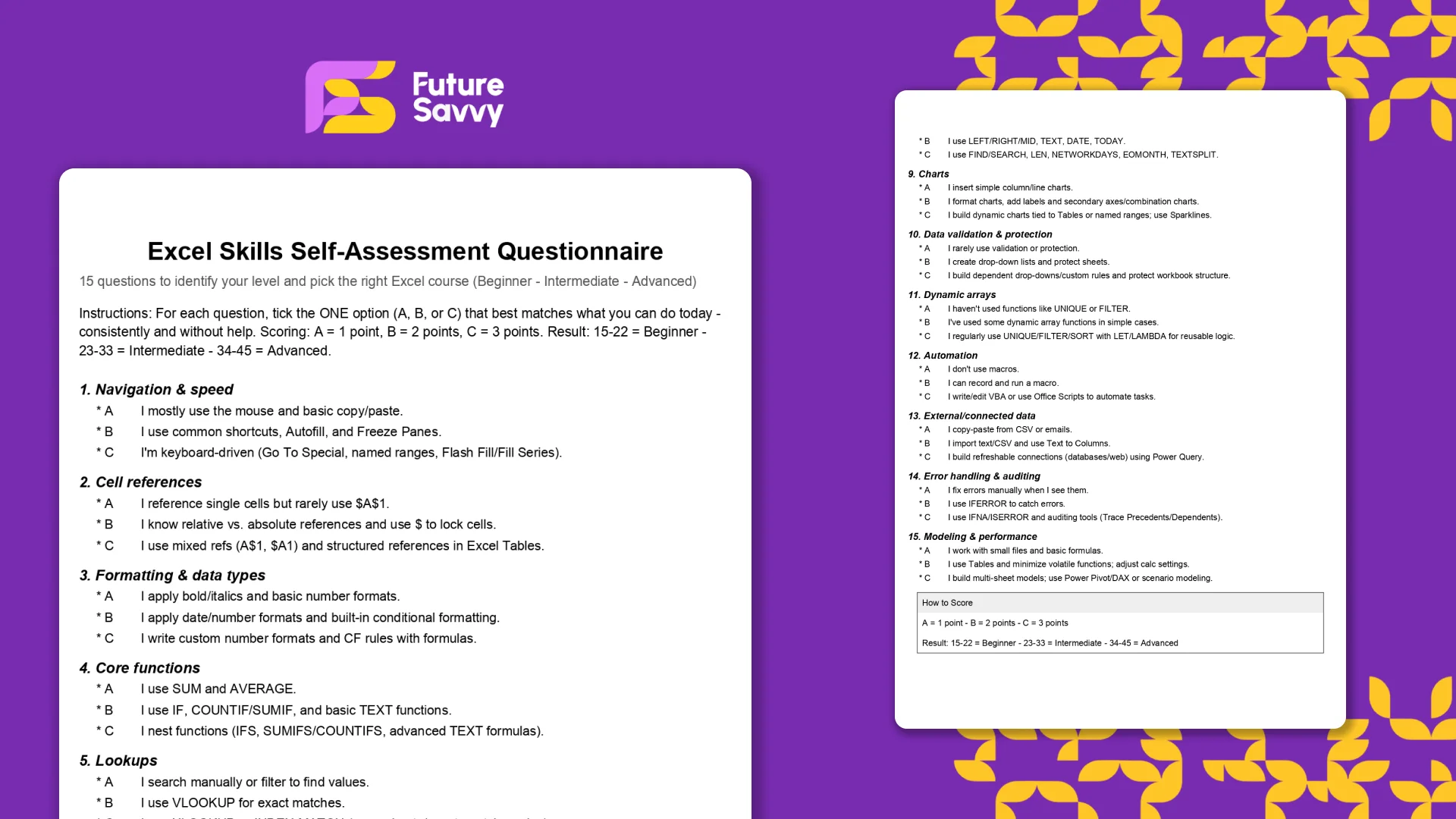
Excel Skills Self-Assessment Questionnaire
This free, printable Excel Skills Self-Assessment helps you quickly gauge your level and pick the right next step in your learning path. It contains 15 multiple-choice questions spanning navigation, formulas, lookups, tables, PivotTables, charts, dynamic arrays, Power Query, and more. You’ll score yourself and interpret the result to see whether you’re Beginner, Intermediate, or Advanced - then follow tailored course recommendations based on your score.
Insights for modern teams
Stay ahead with our latest learning trends, tools, and success stories. Enter your email address below to receive updates from us.